
Make videos faster. Keep creative control.
Monteo Studio turns a voiceover and a folder of images into a finished video. We built it for faceless creators who want the editing done for them, but not the creative decisions.
- What it is
- Our own product, a video editor that runs in the browser
- Built by
- Codify, Montreal (in-house)
- Work
- Product planning, design, web app development, AI features
- Time to build
- About 1 month
- Status
- Limited beta, launching soon
- Live link
- Coming soon
Limited beta · Coming soon
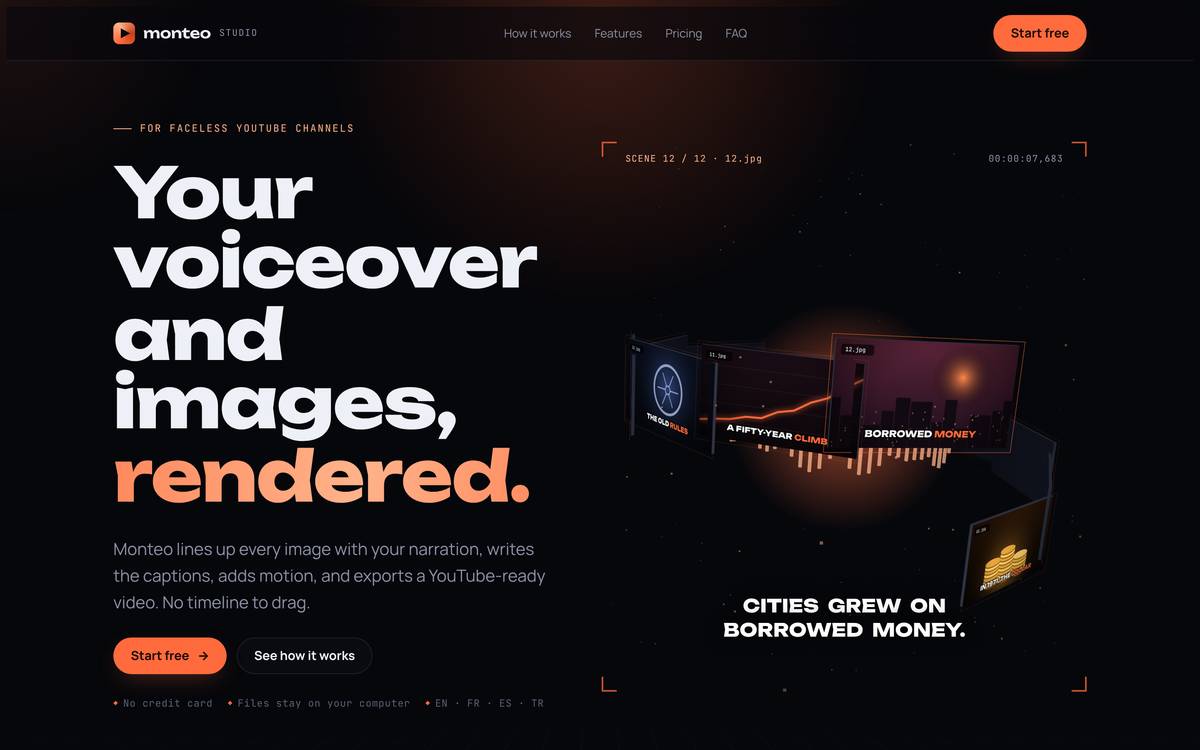
The problem
A faceless video takes more than a script and a voiceover. You match each image to the narration, add movement, write subtitles, mix music and export a version for every platform.
Regular editing software gives you control, but the same steps eat hours on every video. Fully automated AI generators are fast, but they decide for you and charge per video.
We wanted the speed of automation with the creator still in charge.
What we built
- Scene matching. Monteo splits the voiceover into scenes from its captions and places your numbered images on the right ones.
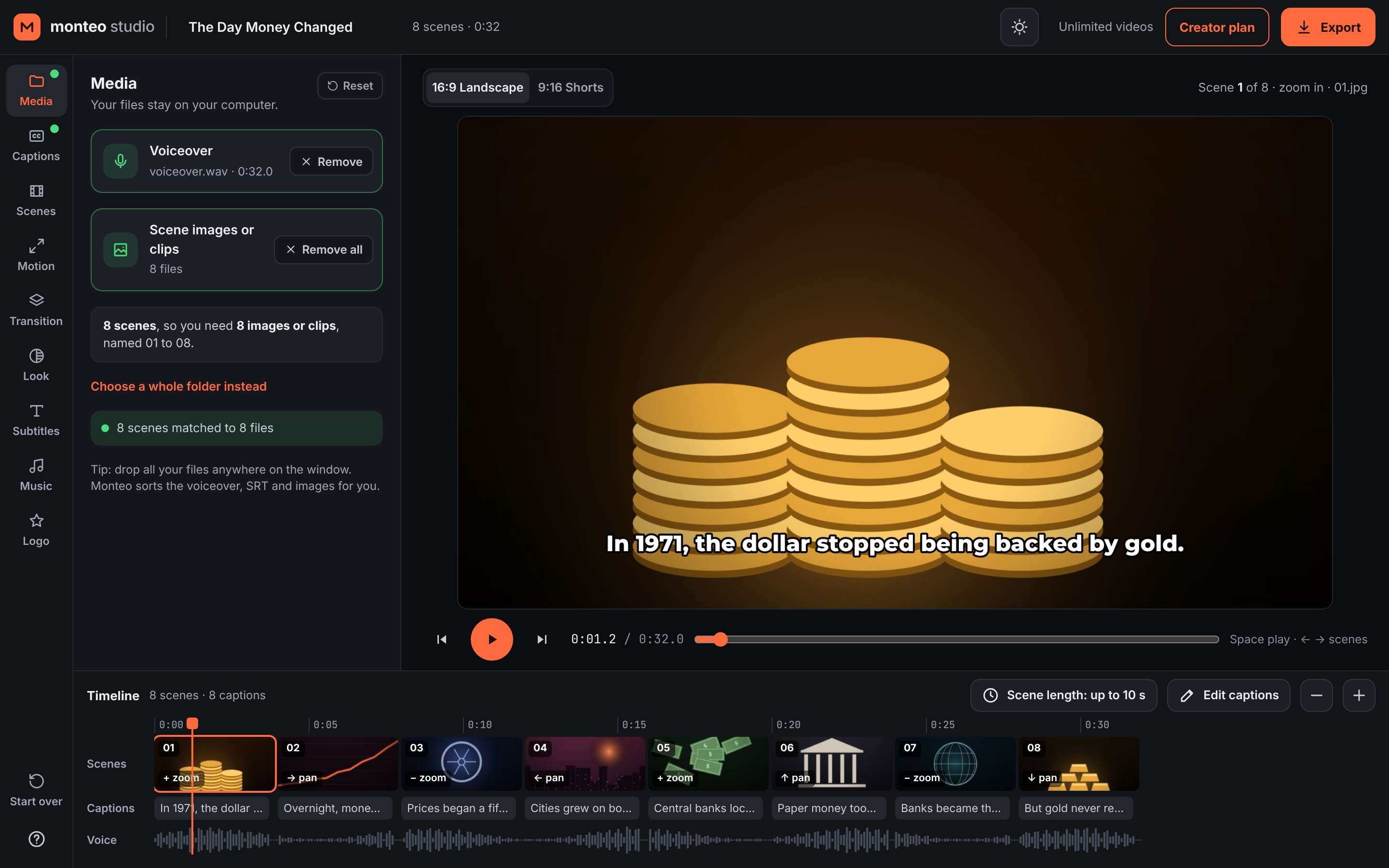
- Fewer images than scenes? Fine. Spread, loop, shuffle or hold images to fill the gaps.
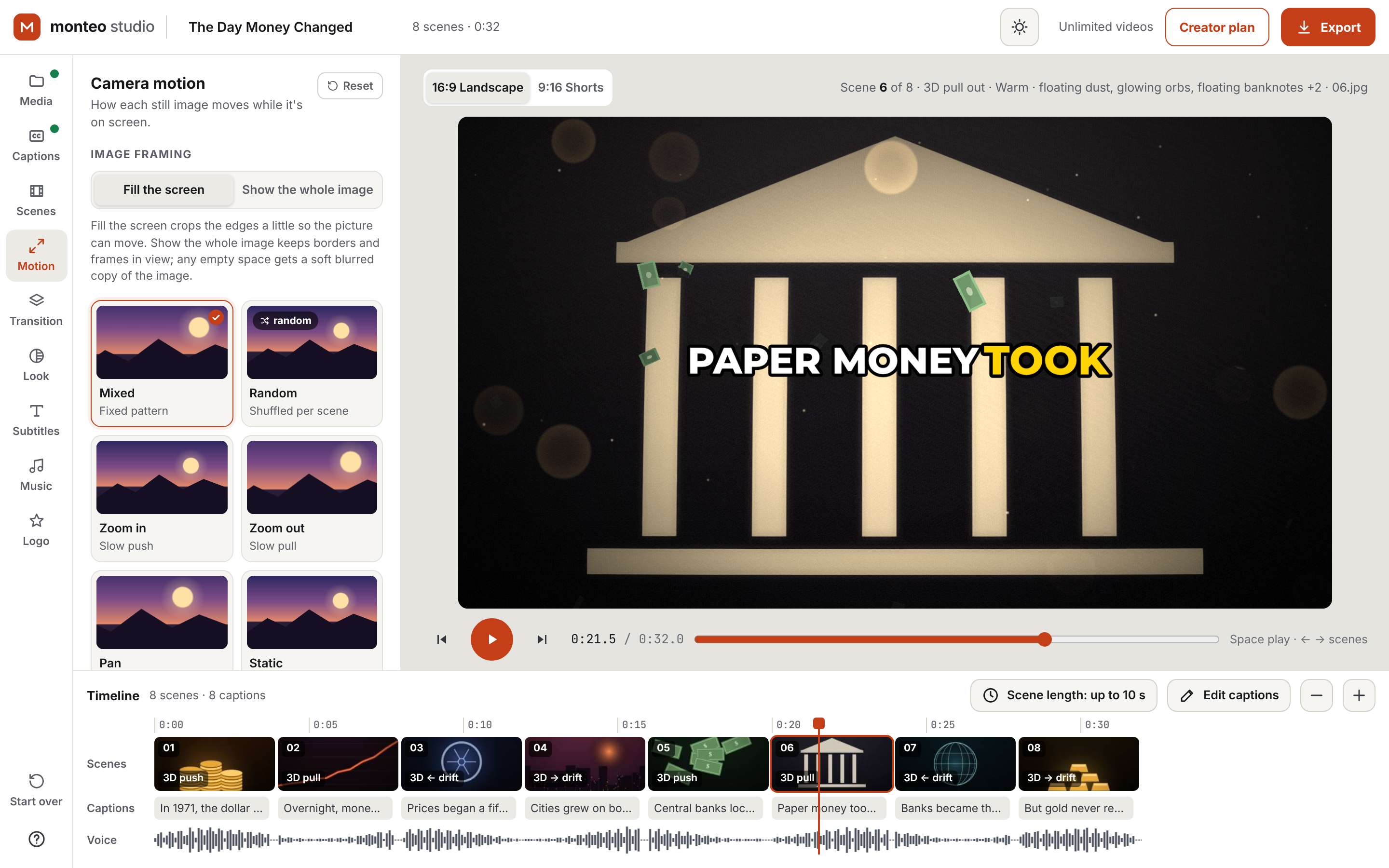
- Motion. Zoom, pan and mixed camera moves on every image, with 3D depth motion coming soon.
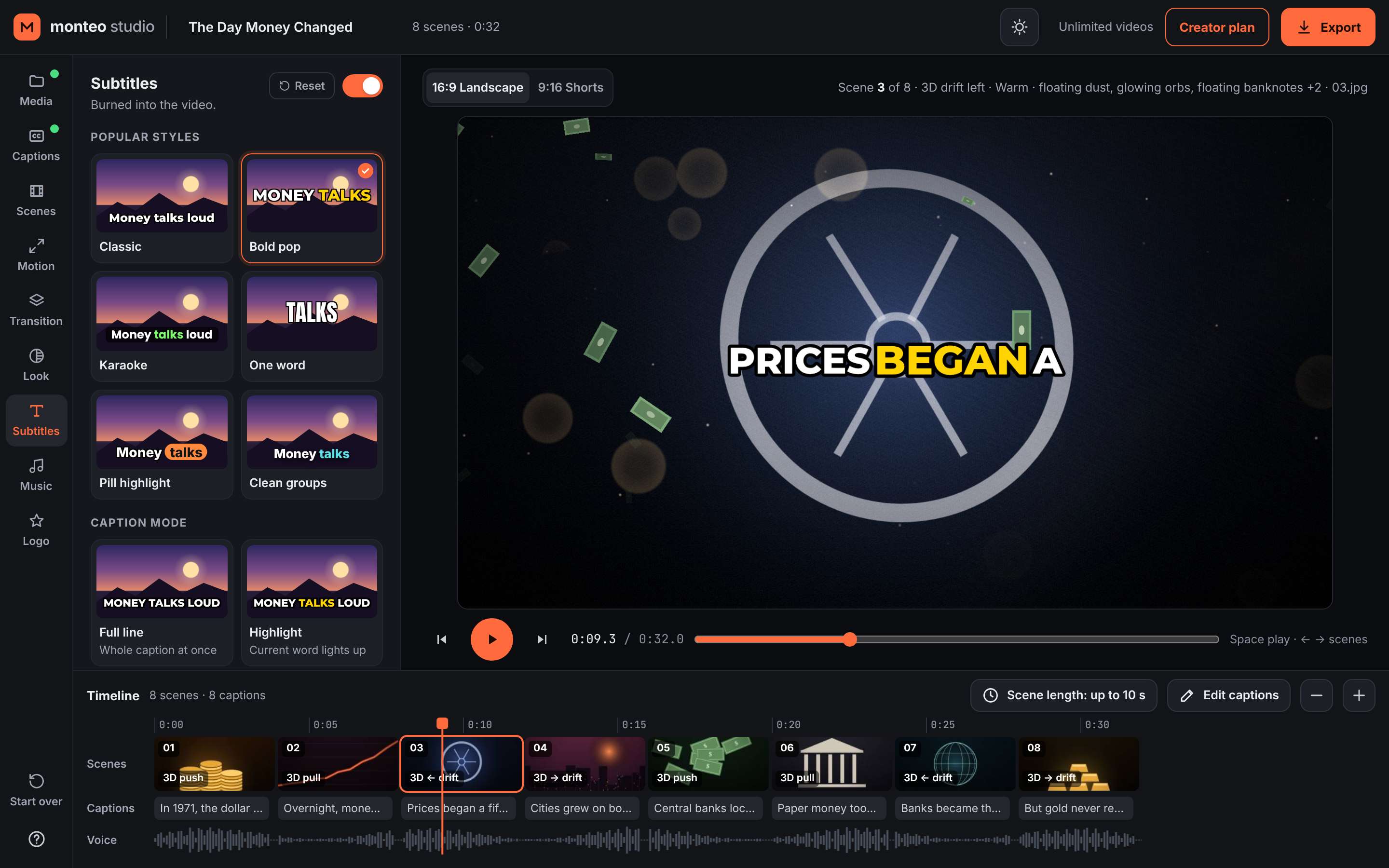
- Subtitles. Generated from the voiceover, or import your own SRT file. Choose the style, including word-by-word captions.
- Music and transitions. Background music lowers itself under the voice. Add transitions and colour looks.
- Every format. 16:9 for YouTube, 9:16 for Shorts, Reels and TikTok.
- One-click export. A finished MP4, up to 1440p.
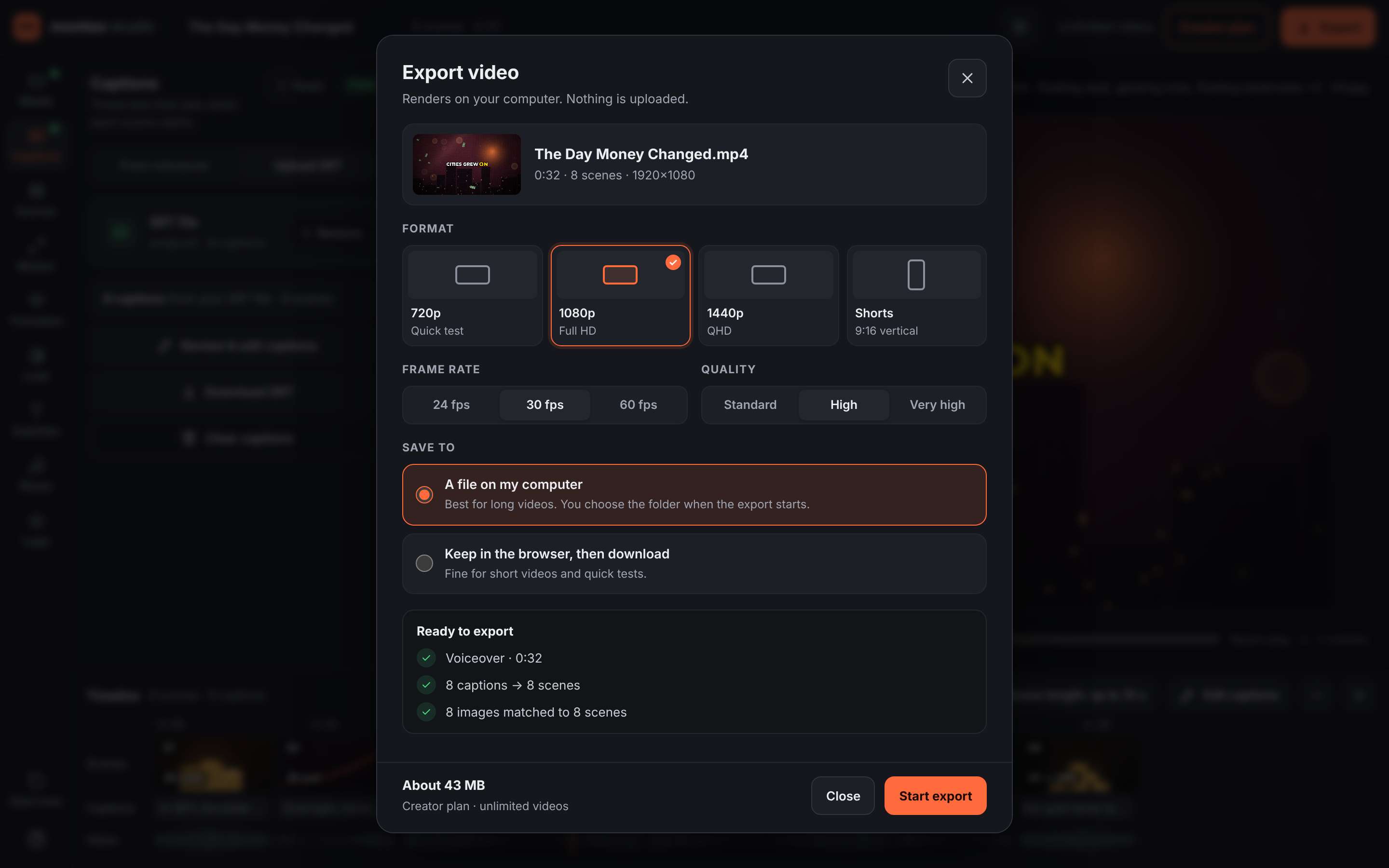
You bring the script, voice and images. Monteo does the editing that connects them.
Built to run cheap and private
Everything happens on the creator’s own computer. Voiceovers, images and finished videos are never uploaded to our servers. The AI models download once, then run in the browser.
That’s also why Monteo can stay affordable: no paid AI video service sits behind each export. The same thinking goes into every tool we build for small businesses. Keep running costs low, and keep your data with you.
How we built it
- Planning. We mapped every step of making a faceless video and picked out the repetitive ones.
- Design. A browser app that processes media locally instead of on a server.
- Build. Scene matching, the editing workflow, the motion engine, audio mixing and export, built in-house with AI-assisted development.
- Testing. Limited beta now running with early users.
Outcome
A complete, working video editor, built from scratch in about a month and now in beta:
- One workflow from voiceover to finished MP4: scenes, images, motion, subtitles, music, export.
- Works in both vertical and widescreen formats.
- Media stays on the creator’s device.
- No paid AI video service per export.
Usage numbers will be added here after the beta.
Tools
| Area | Tools |
|---|---|
| App | React, Vite, TypeScript |
| AI in the browser | Transformers.js, Whisper (subtitles) |
| Video and audio | WebCodecs, Mediabunny (MP4), Web Audio |
| Hosting | Cloudflare |
| Accounts and database | Supabase |
What’s next
Beta feedback, then public launch. We keep improving Monteo with fixes and new features as users ask for them.
Next case study: Codify website
Have a workflow that eats your week?
We build tools like this for small businesses.
Rather type? or emailEmail hello@codifypro.ca